Okta to Microsoft Entra ID migration playbook
A 90-day phased migration from Okta to Entra ID — capability mapping, app re-federation, lifecycle re-wiring, and a coexistence cutover that keeps users signed in throughout.
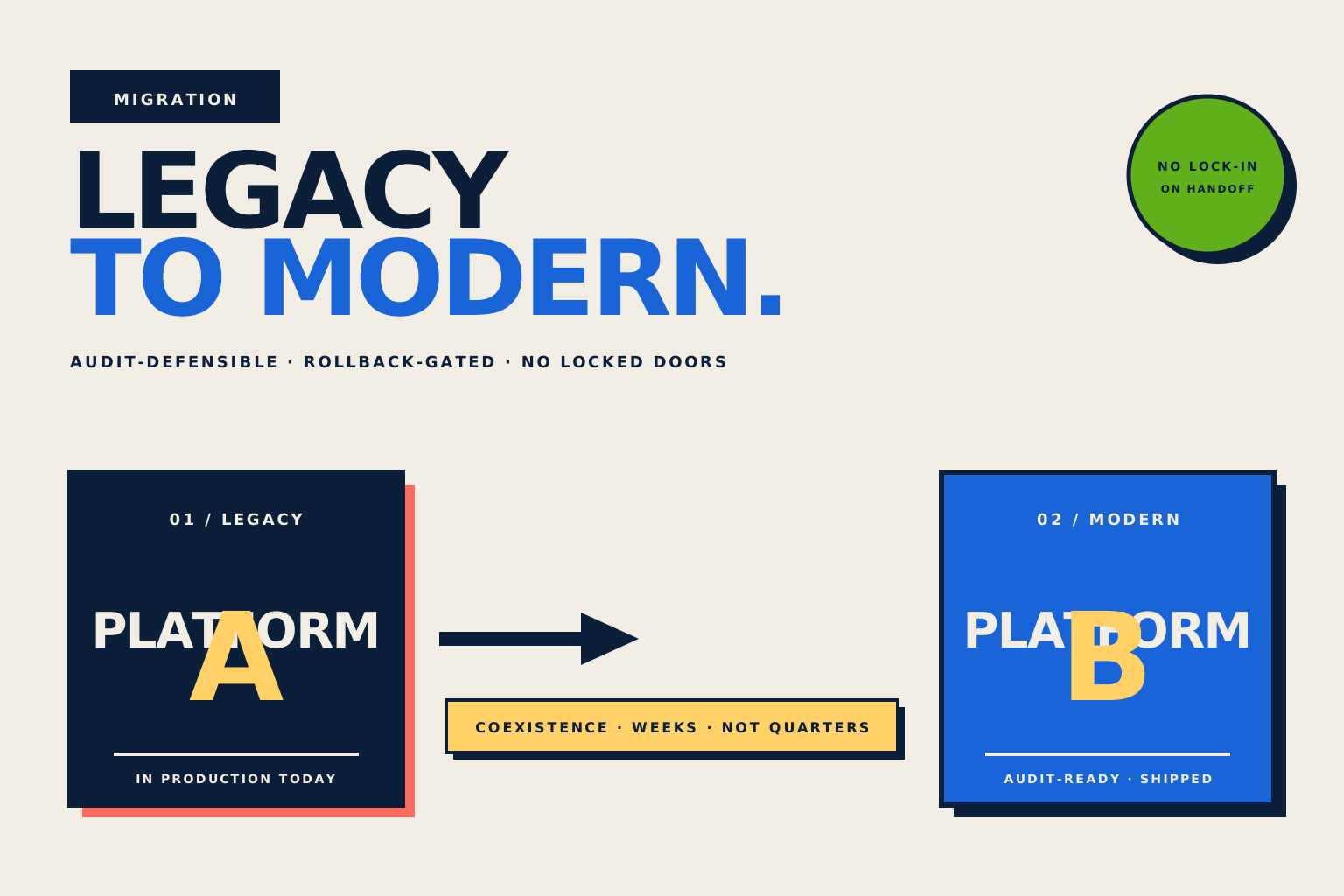
TL;DR
The vast majority of Okta → Entra migrations are driven by Microsoft licensing consolidation (E5 already paid for) rather than functional gap. Plan for ~90 days end-to-end on a mid-enterprise (10K-50K users). The hardest parts are not the IdP itself but (1) the long tail of SAML / OIDC app integrations that need new ACS URLs and metadata, (2) re-implementing the Okta Lifecycle Management rules in Entra entitlement management or Identity Governance, and (3) the MFA enrollment cutover.
Okta Workforce Identity Cloud
Microsoft Entra ID
Typical timeline
~90 days for a 10K-50K user enterprise with 200-400 SaaS apps. Larger orgs add 30-60 days per 25K users.
Why teams move
- Microsoft licensing consolidation — Entra P2 is already covered by E5, removing the Okta line item
- Conditional Access depth — finer-grained risk-based policies than Okta's ThreatInsight + Network Zones
- M365 + Azure integration — privileged identity management on Azure subscriptions is native to Entra
- Audit / compliance — Entra ID Governance covers what previously required separate Okta IGA
The migration in 4 phases.
1. Discover + design (Weeks 1-3)
3 weeks
- Inventory every Okta integration: SAML, SWA, OIDC, SCIM, and Lifecycle Management
- Map Okta groups + group rules to Entra security groups + dynamic memberships
- Design Conditional Access policy set to replace existing Okta sign-on policies
- Choose coexistence model: hard cutover, app-by-app migration, or Entra + Okta both fronting M365 (least common)
2. Build + pilot (Weeks 4-8)
5 weeks
- Provision Entra tenant; configure Entra Connect for AD sync (or direct HRIS provisioning)
- Re-federate the top 10-20 highest-traffic apps with new ACS URLs / metadata
- Replicate MFA factor enrollment (push, FIDO2, OTP) for pilot users
- Configure Conditional Access policies in report-only mode
- Pilot with 50-100 IT + engineering users; refine policies based on findings
3. Migrate apps in cohorts (Weeks 9-12)
4 weeks
- App migration in 5-10 batches, ~30-50 apps per cohort, weekly cadence
- Per app: update ACS URL or OIDC redirect; rotate signing certs; re-publish metadata to SP
- Lifecycle Management rules ported to Entra entitlement management
- Help-desk staffed for cutover-related sign-in support
4. Decommission Okta (Weeks 13+)
2 weeks
- Verify no residual Okta-fronted apps via Okta admin logs
- Disable user provisioning to Okta; freeze group memberships
- Cancel Okta subscription on the next renewal boundary
- Retain Okta export of audit logs per retention policy (typically 1+ year)
What lives where.
| Capability | Source (Okta) | Target (Microsoft) |
|---|---|---|
| SSO (SAML + OIDC) | Okta universal directory + universal login | Entra enterprise apps + Conditional Access 1:1 functional mapping. The only friction is per-app re-federation. |
| MFA factors | Okta Verify + WebAuthn + OTP | Microsoft Authenticator + FIDO2 + OATH-TOTP Users must re-enroll. Plan a 30-day overlap so users enroll without service disruption. |
| Lifecycle Management (JML) | Okta LCM + Workflows | Entra ID Governance + entitlement management Okta Workflows have no direct Entra equivalent — re-implement complex flows in Logic Apps or Power Automate. |
| Provisioning (SCIM) | Okta SCIM connectors | Entra enterprise app SCIM Most SaaS apps that support Okta SCIM also support Entra SCIM. Verify per app — some require a different bearer token format. |
| Access certifications | Okta Access Certifications | Entra ID Governance access reviews Functional equivalent. Different reviewer-kit UI; train reviewers on the new pattern. |
| Risk-based sign-on | Okta ThreatInsight + Network Zones | Entra Identity Protection + Conditional Access Entra typically goes deeper on risk signals when properly licensed (E5 / P2). |
| Customer identity (B2C) | Okta Customer Identity Cloud (Auth0) | Microsoft External ID A separate migration. Don't conflate workforce and customer migrations into one project. |
What moves, what doesn’t.
User identities
Users typically already exist in both directories if Entra Connect is in place. If not, bulk-create via Microsoft Graph API from the Okta universal directory export. Preserve immutable IDs (sub claim) by mapping Okta's `id` field to Entra's `extensionAttribute1` for reference.
Group memberships
Static groups: bulk-copy via Graph. Okta group rules: rewrite as Entra dynamic group rules — the syntax differs but the semantics are equivalent. Plan ~1 week of testing per 100 dynamic rules.
MFA enrollments
Not migratable. Users must re-enroll. Communicate the enrollment window 4 weeks in advance. Use Entra's registration campaign feature to nudge users automatically.
Passwords
Not migratable (one-way hash mismatch). With Entra Connect + password hash sync, AD-synced users sign in with the same password. Cloud-native Okta users must do a password reset on first Entra sign-in.
Audit logs
Export Okta system logs via the API to an external SIEM / data lake. Entra audit logs replace going forward. Retain Okta logs per compliance policy (HIPAA = 6 years; SOC 2 = entity policy).
The 7-step cutover.
- 01Freeze Okta admin changes 48 hours before cutover
- 02Re-verify pilot apps end-to-end with target user accounts
- 03Update DNS / IdP-discovery for the M365 tenant federation switch (if applicable)
- 04Enable Entra Conditional Access policies (move from report-only to enforce)
- 05Disable Okta SSO for migrated apps in cohort order
- 06Monitor Entra sign-in logs + help-desk volume in 30-minute increments for the first 8 hours
- 07Have an Okta-rollback plan documented and tested for each cohort — if cutover fails, you flip back via the SP metadata
What teams find out the hard way.
SCIM bearer token format differences
Many SaaS apps accept SCIM bearer tokens in slightly different formats from Okta vs Entra. Check each provisioning integration end-to-end during build phase — don't assume "Okta SCIM works = Entra SCIM will work."
Application sign-on policy mismatch
Okta per-app sign-on policies (e.g. "require MFA only when off-network") map to Entra Conditional Access conditions, but the matching is rarely 1:1. Document the intended posture per app, not just the existing Okta config.
Okta Workflows do not have a direct equivalent
If you use Okta Workflows for non-trivial automation (e.g. multi-system provisioning orchestration), Entra has no drop-in replacement. Logic Apps, Power Automate, or external workflow tools (n8n, Workato) replace this with rebuild cost.
B2B / external user consent flows differ
Okta B2B (cross-tenant) and Entra B2B (guest user invitations) cover similar ground with different UX. Pilot with one B2B-heavy app before the broader cohort migration.
Help-desk volume spike
Expect ~3x normal help-desk volume in the first 5 business days after each cohort cutover. Staff accordingly. The bulk of tickets are "I can't find my MFA app" — pre-register users in Microsoft Authenticator if possible.
Questions we get on this migration.
Can we run Okta and Entra side-by-side indefinitely?
Yes, but with cost (paying both vendors) and complexity (two identity stores, two sets of policies). Most orgs run dual-IdP only during the active migration window (2-4 months), then fully decommission Okta. Long-term coexistence is justified only when subsets of the org genuinely require different IdPs.
What happens to our Okta licenses during migration?
Negotiate a contract extension or right-sizing with Okta covering the migration period. Most enterprises end up paying for both IdPs for 3-6 months. Plan budget for that overlap.
How do we handle apps that only support Okta's proprietary SSO?
There are a vanishing number of these — Okta SWA (Secure Web Authentication / password-vaulting). Entra has a partial equivalent (Application Proxy + password-based SSO). For the few apps that truly only work with Okta, push the vendor for SAML / OIDC support or keep those apps fronted by Okta indefinitely.
We’ve led this migration. More than once.
Engagement starts with a 90-minute discovery call — we tell you what we’d actually do, with timeline + risk register. No commitment.